Size & fit
Car Sticker Size Guide: Measure Before You Order
RETLPER product guides · Published
Measure your space, compare sticker dimensions and check individual pieces in a set before choosing a RETLPER car sticker or custom decal.
Start with the available space, not the photo
Measure the clear width and height of the intended location in centimeters. A close-up product photo shows the design, but is not a scale drawing of your car, laptop or case. Write down both measurements and compare them with the dimensions on the product page. Leave clearance around adjacent trim, handles and moving parts rather than using the entire panel as your target area.
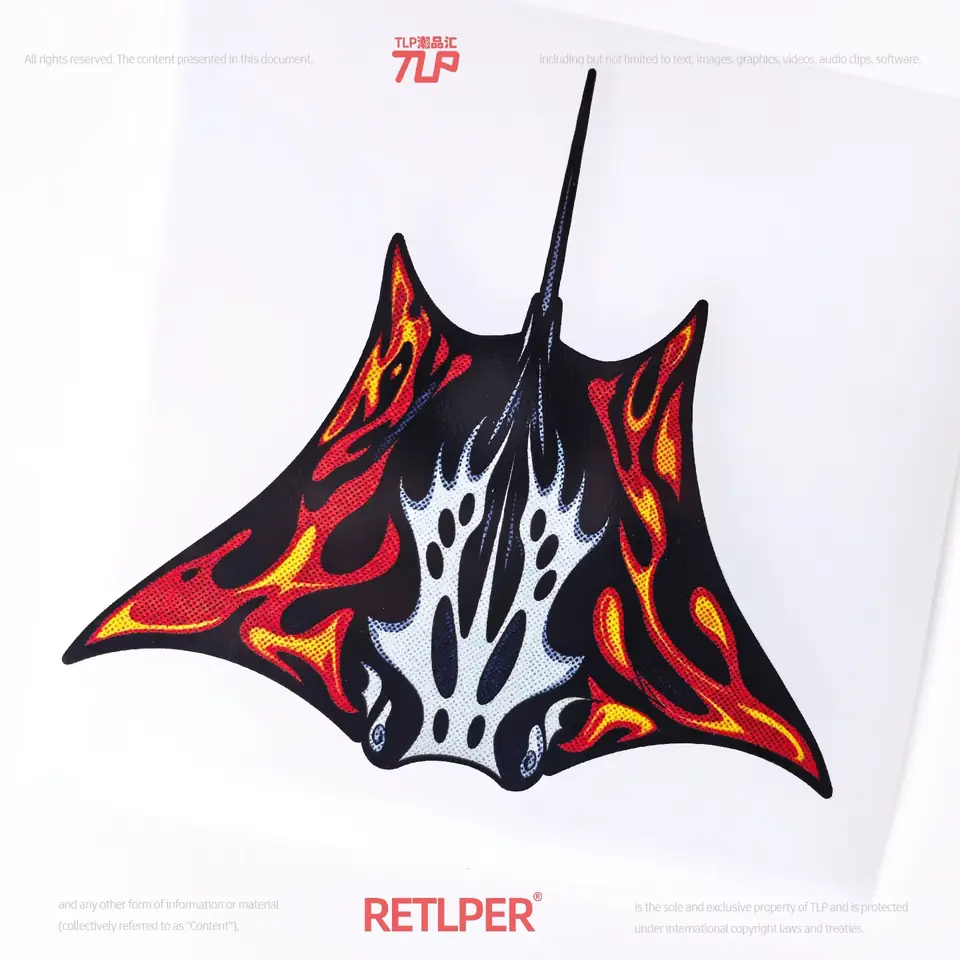
A 10cm x 10cm square and a 15cm x 8cm design have very different proportions. Matching only the longest side can leave a design too tall or too wide. For an irregular contour, allow room for the full outside silhouette, including thin tips and projecting details. Do not estimate fit from how large the image looks on your phone.
Make a paper template
Cut a piece of paper to the stated width and height and hold it against the proposed location without applying adhesive. Check the outline from your normal viewing distance. This inexpensive check can reveal that a narrow strip works better than a square, or that a larger-looking photo actually represents a small sticker.
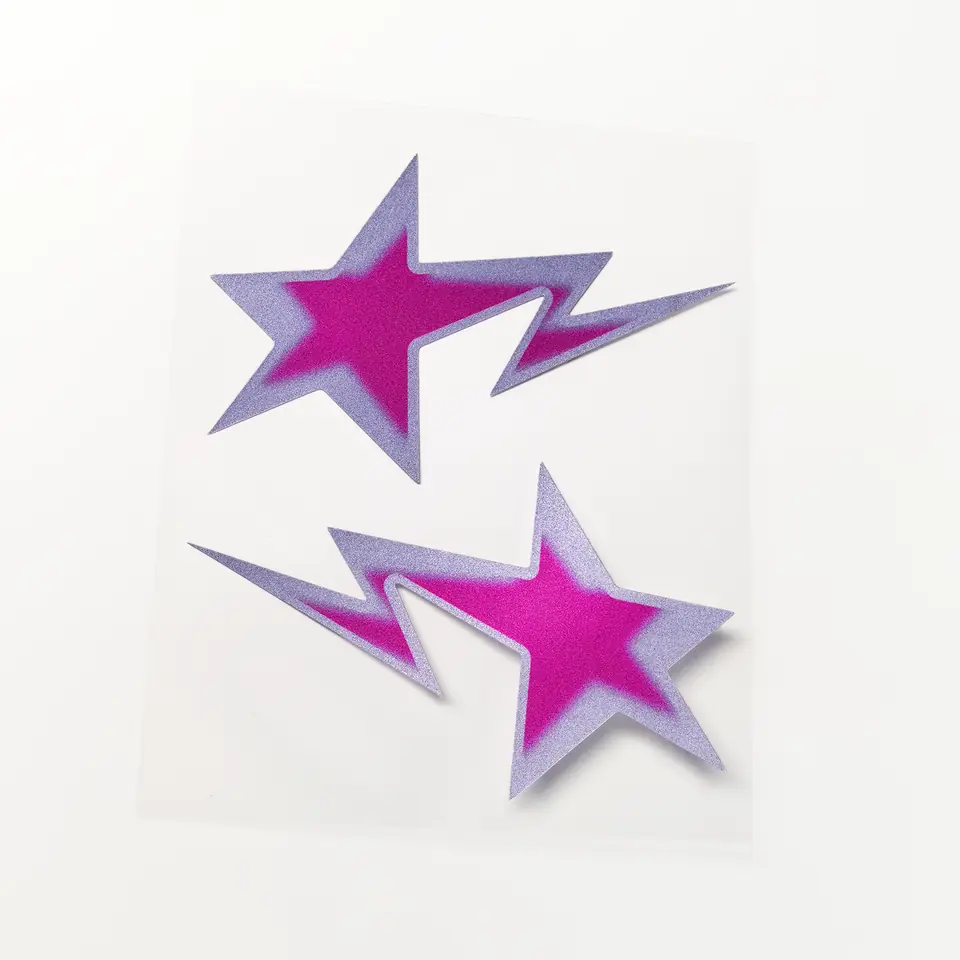
A paper rectangle checks the bounding area, not the exact cut line or adhesive compatibility. For a mirrored pair, test both positions and confirm that the complete pair fits. Check that the design will not cover lights, cameras, sensors, registration details or the driver's view. Placement and surface compatibility need their own checks even when the dimensions fit.
Read dimensions for the selected design
Some RETLPER products offer several designs under one product page. Select the design card before checking the displayed SKU, main image and size. A size shown for one design should not be assumed to describe every other option. The selected design information is also included in the cart so you can compare it with your notes before checkout.
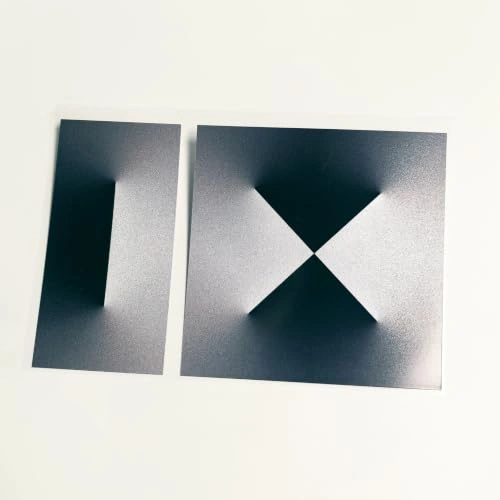
If the product is a set, determine whether the dimensions describe each piece or a combination of pieces. The meteor star mirrored pair contains two stickers measuring 11cm x 7cm each. The geometric rectangle and square set combines different sizes. Two stickers do not mean twice the width of a single assembled design.
For a custom shape, check both sides in the studio
The custom studio uses a long-side measurement and an estimated short side for pricing. Preview the actual artwork and compare the estimated shape with the space you measured. Keep small lettering and narrow details readable at the final physical size; a design that looks clear when zoomed in may be difficult to read at a few centimeters wide.
Use the live studio quote for the chosen finish, size and quantity. The goods quote and delivery cost are different parts of the order, and the delivery address is needed for the final shipping calculation. If you cannot determine which listed dimension applies, send the product SKU and your intended width and height through the contact page before ordering.